

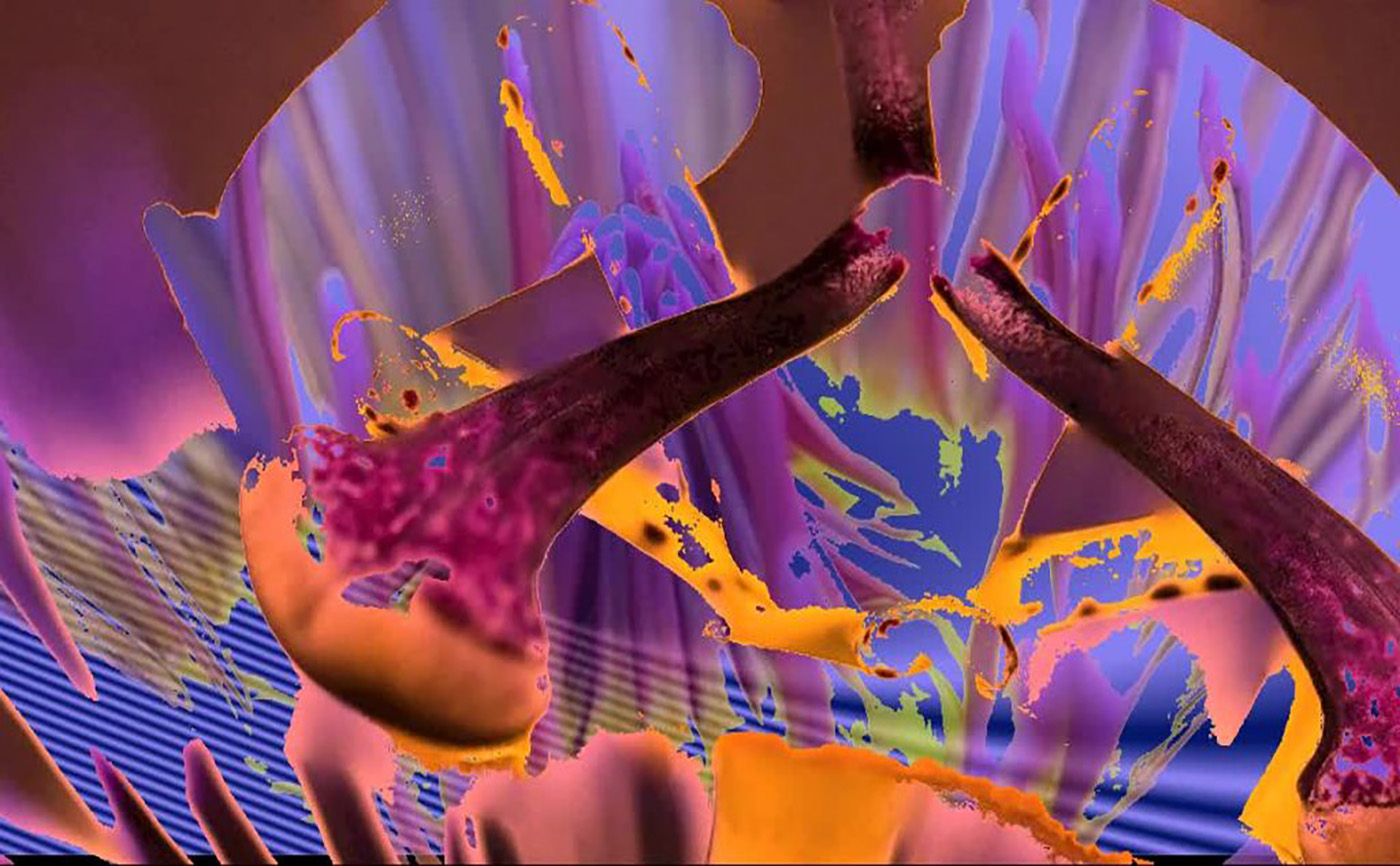

All the standard animations such as Fade-In, Zoom-In or Slide-In. Level up with realistic moving clouds, water, image filters and mind-blowing geometric animations.

Every shape or style you use is unique on the web. Genolve uses evolving shapes; whenever you click on a shape, new variations of that shape are automatically generated.

Premium Members can make slideshows fully interactive with buttons or game-like interactions powerful enough to construct a Rube Goldberg machine.

When you need an image or video, gain peace of mind by using copyright-safe images from online sources like WikiCommons or Pixabay. WikiCommons has millions of images while Pixabay has a curated high-quality selection.

The plugin has no dependencies on other plugins, once you install and get an automatic API key, you are set to go.

When you make a slideshow, you can also generate a featured image that shows in social media posts. The image name can be optimized for SEO ranking in image search.




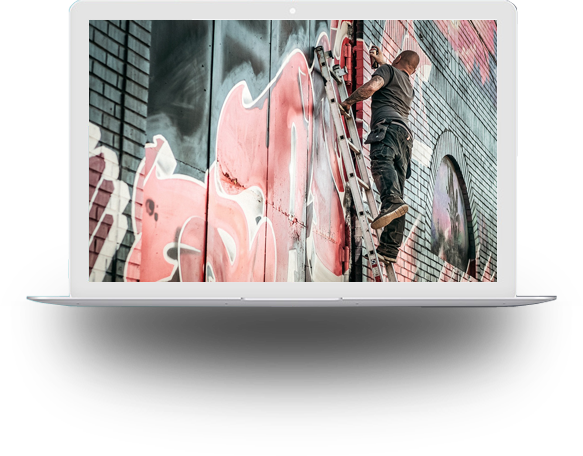



How to Make a Viral Music Video
Genolve lets you create music videos with music driven animations that perfectly synchronize movement to music. You make them right from your web browser for free with added features for Premium users. You can make videos perfectly sized for TikTok, Facebook, YouTube or dazzle your web visitors by posting the video in its full SVG glory...

Inspiration from Popular Websites
Spice up photos with graphic effects that grab attention not only on your website but when posted on Twitter or other social media. To help give inspiration we've scoured the web looking at some popular web sites to see what they are doing and then show you how to get the same design in Genolve...

Bébé
Premium MemberI have been using Genolve for a little over 6 months to jazz up the feature images of my blog posts. I create my own original artwork and have been immensely pleased at the ability to add movement, filters, transitions and other effects to help make my art pop out and be eye-catching in unexpected ways. Visit my site Sapience2112 to see examples of what I've done (link in my profile).

Martina Triston
Free versionLove using this for blog post images - I just post the topic of the blog and every time it finds the perfect image!

mohitpant
Free versionI started out using this to put titles on images to get better response when sharing a post on Facebook. Now i'm discovering more features and this thing is like a mini Illustrator or Inkscape but much easier because you just grab pre-made graphics. And u can animate them, had to watch the help vid to figure that out.
Jennifer Hill
Free versionJust awesome! I love using this tool!

Arrows, Sports and Machine Masks
Masks have many uses in Genolve; masking an image, a background for text or when…
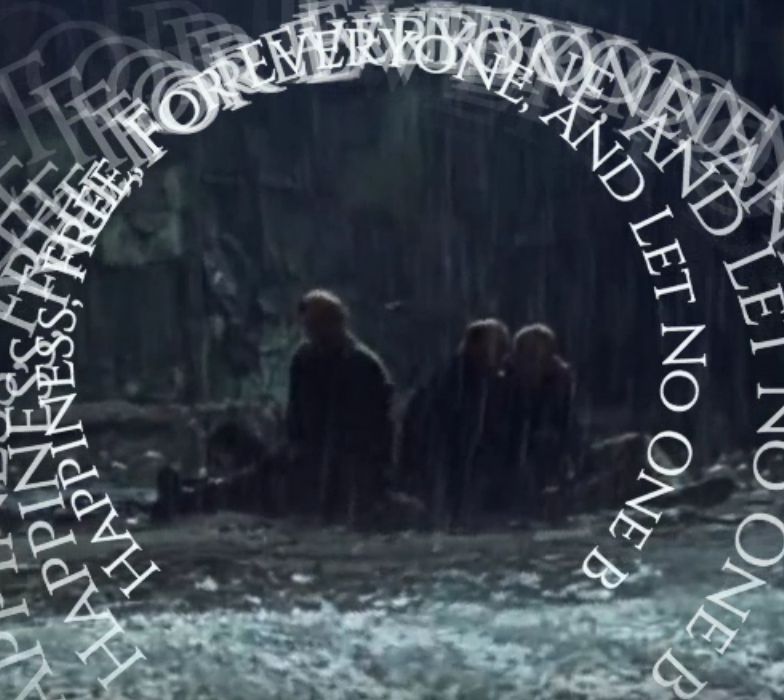
Path Animation Timing
Path animation is used to have an image or text follow a curving path. The…


3250 Vincent Ave N
Minneapolis, MN 55412

Office phone : 1 866 449-9776
Business hours: 8 AM - 5 PM EST

Please Use the contact form